
Deepfake Image Detector for Photos & Profile Pictures
Upload a photo or profile picture to screen it for AI-generated and deepfake signals. You get whole-image scores, a plain verdict, and practical next steps for verifying the image.
Check if image is AI-generated
OR3 free checks every month with an account

Check a Photo for Deepfake Signals
Upload a local file or paste a direct public HTTPS link to an image. The checker accepts JPEG, PNG, WebP, and GIF files up to 10 MB. Local files show a preview before you submit, and a valid image URL starts the check directly.
To run a check, sign in with a verified email and make sure you have available quota. Free accounts include 3 image checks each month, and no card is required.
Start with the original file or the highest-quality version you can find. Screenshots, heavily compressed copies, and images passed through several apps carry less detail.
What the report can show
- Whole-image AI score
- Always shown
- Whole-image not-AI score
- Always shown
- Deepfake score
- When available
What This Deepfake Image Detector Checks
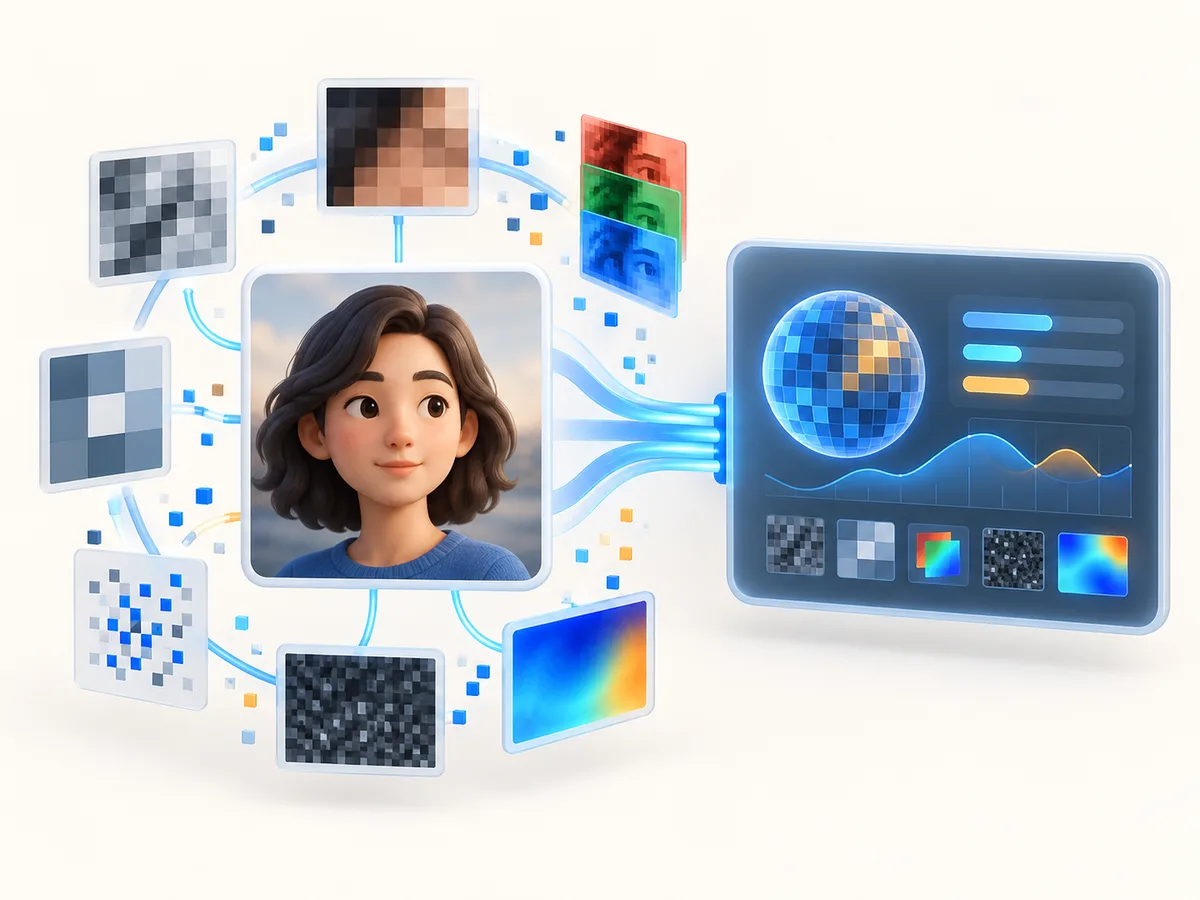
The detector reads the whole image and returns two scores. One shows how strongly the image carries AI-generated signals. The other shows how strongly it carries signals of not being AI-generated. From those scores, you get one of three verdicts: Likely AI-generated, Likely not AI-generated, or Inconclusive.
Some checks also return a deepfake score and a possible generator. These appear only when the check returns them, and a missing value is not a sign that the image is genuine.
You can use it as an AI-generated face detector for portraits and headshots, or as a general deepfake image checker for other photos. It does not point to a specific area of the image, and it does not compare the face with other photos.
How to Check a Deepfake Image
- Find the best copy. Look for the original file or the largest, clearest version available, and download the image itself instead of taking a screenshot.
- Sign in with a verified email and available quota.
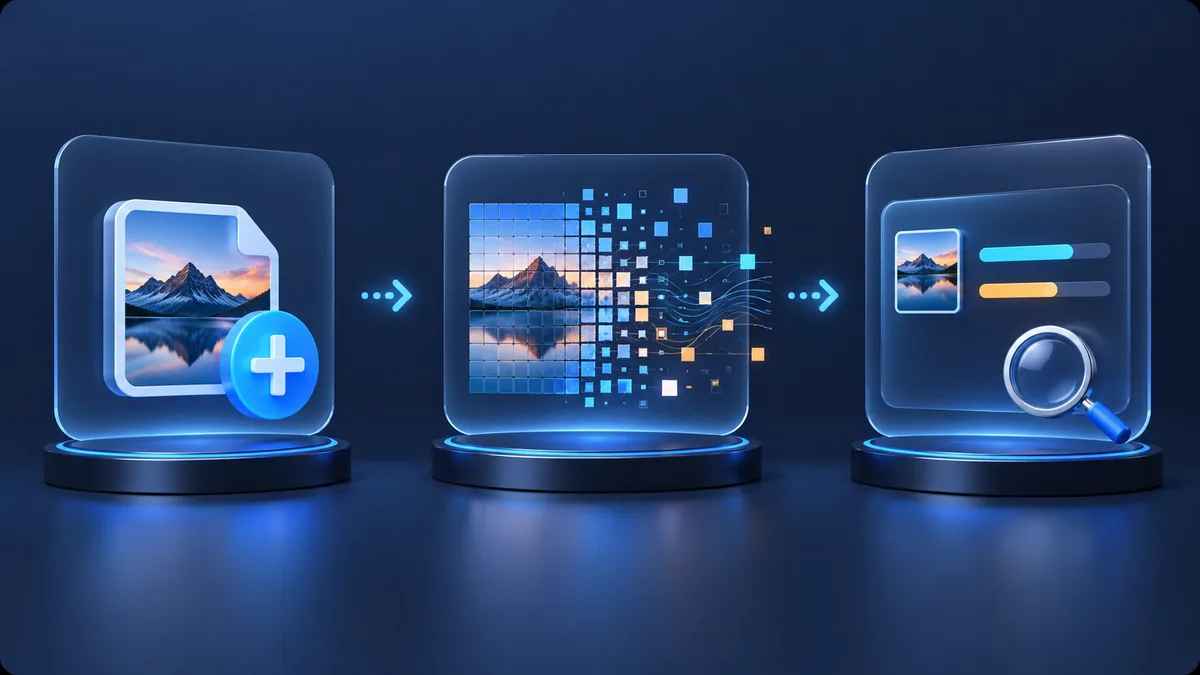
- Add the image. Choose a local file and review the preview, or paste a direct public HTTPS image URL.
- Wait for the report. If the check fails, you see an error message instead of a result, so a failed check never looks like a completed one.
- Read the verdict together with both scores, then use the guidance below to decide what to verify next.
If you are asking “Is this face AI generated?”, this process gives you a structured second opinion on the image, not on the person.
How to Read Your AI and Deepfake Results
Likely AI-generated means the whole-image AI-generated score reached the 90% verdict threshold. Treat that as a strong reason to slow down and check where the image came from.
Likely not AI-generated means the not-AI-generated score reached that threshold. The image did not show a strong AI-generated signal under this check. It does not prove that a camera took the photo or that the person in it is who they claim to be.
Inconclusive means neither score reached 90%. The image may be low quality, heavily processed, or mixed in ways a whole-image check cannot resolve.
If a deepfake score or possible generator appears, read it as extra context, not a conclusion.
Deepfake Photo and Profile Picture Checks
People often reach for a fake profile picture detector when a new contact, seller, or match seems off. This check answers one part of that question: whether the image itself shows AI-generated signals.
It cannot settle “Is this person real or AI?” A deceptive account can use a stolen photo of a real person, and that photo may score as Likely not AI-generated. A real person may also use an edited or generated avatar.
As a synthetic face detector or deepfake face detector, the tool reads the whole picture. It does not recognize faces or confirm identity.
Images from This Person Does Not Exist can be submitted like any other. The report may show a possible generator, but it cannot confirm that an image came from that site or any specific tool.
What a Photo Check Cannot Verify
A deepfake photo detector screens image signals. It is not proof of identity, fraud, authorship, intent, origin, or camera capture, and it cannot tell you why someone shared an image.
Whole-image scores can miss or understate small local edits. If only a face, a sign, or an object changed and the rest of the photo is authentic, the unchanged background may dominate the score. The report does not show where an edit happened.
Screenshots, compression, filters, resizing, and repeated uploads can also remove detail the check relies on. Weigh the result together with where the image came from, who shared it, and whether the other details hold up.
What to Do After a Suspicious Result
A Likely AI-generated or Inconclusive result is a reason to check further, not a final answer. The same applies when a photo scores as Likely not AI-generated but the situation around it still feels wrong.
- Find the earliest source. Look for where the image first appeared and who posted it.
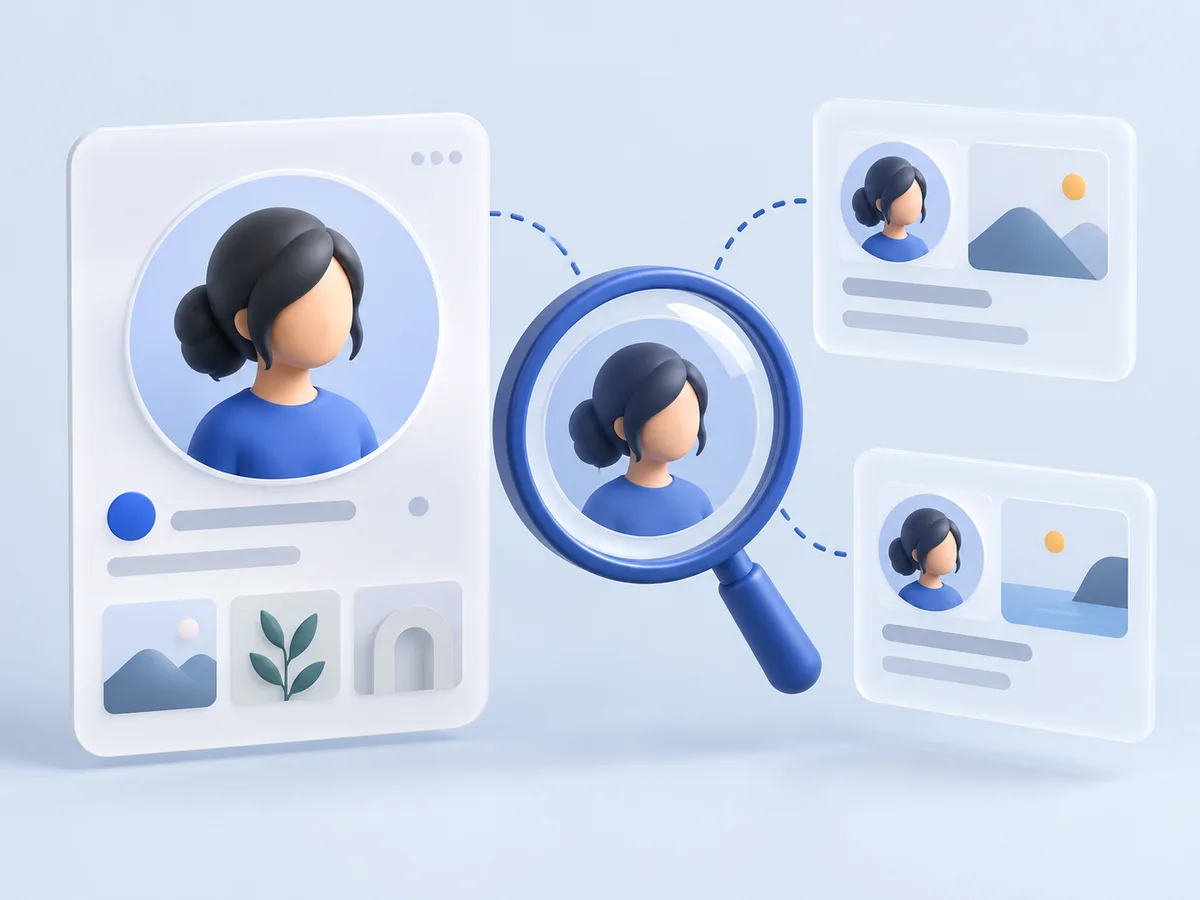
- Run a reverse image search to see whether the photo appears elsewhere under a different name or in a different context.
- Ask for a live interaction, such as a call, before trusting someone you met online.
- Contact organizations through a phone number or website you find yourself, not one supplied in the message.
- Pause any payment or sensitive disclosure until you have verified the person or request independently.
Keep the original file and a note of where you found it. That record helps if you decide to report the account to the platform.
Frequently Asked Questions
How can I check if a photo is a deepfake?
Sign in with a verified email, then upload the original file or paste a direct public HTTPS image URL. The report shows two whole-image scores with a verdict. Treat the result as one signal, and confirm the image's earliest source.
Can this detector verify whether a person is real?
No. It screens the image, not the person or the account. A stolen photo of a real person can come back Likely not AI-generated while the account using it is deceptive. To check a person, ask for a live interaction and confirm details through channels you find yourself.
Does a missing deepfake score mean the photo is authentic?
No. The deepfake score and possible generator appear only when a check returns them. Their absence tells you nothing about whether the image is genuine, so base your reading on the two whole-image scores and the verdict.
Can it identify a face swap or local edit?
Not reliably. The scores describe the whole image, so a small change to a face or object can be missed when most of the photo is authentic. If you suspect a local change, look for earlier versions of the image and compare them.
Which image formats can I check?
You can check JPEG, PNG, WebP, and GIF images up to 10 MB. A URL must point to the image file itself, not to a web page that contains it.
What does an Inconclusive result mean?
Neither whole-image score reached the 90% verdict threshold, so the check could not lean clearly either way. This often happens with low-quality, heavily processed, or mixed images. Try the original file if you have it, and rely on source checks.
Can compression or screenshots affect the result?
Yes. Screenshots, compression, filters, resizing, and repeated uploads can strip out detail the check uses. That can weaken the signal or lead to an Inconclusive verdict, so use the highest-quality copy you can find.